SupaMetallics
Add a metallic finish to any Supacolour transfer. Choose from 28 matte metallic options at no extra cost.
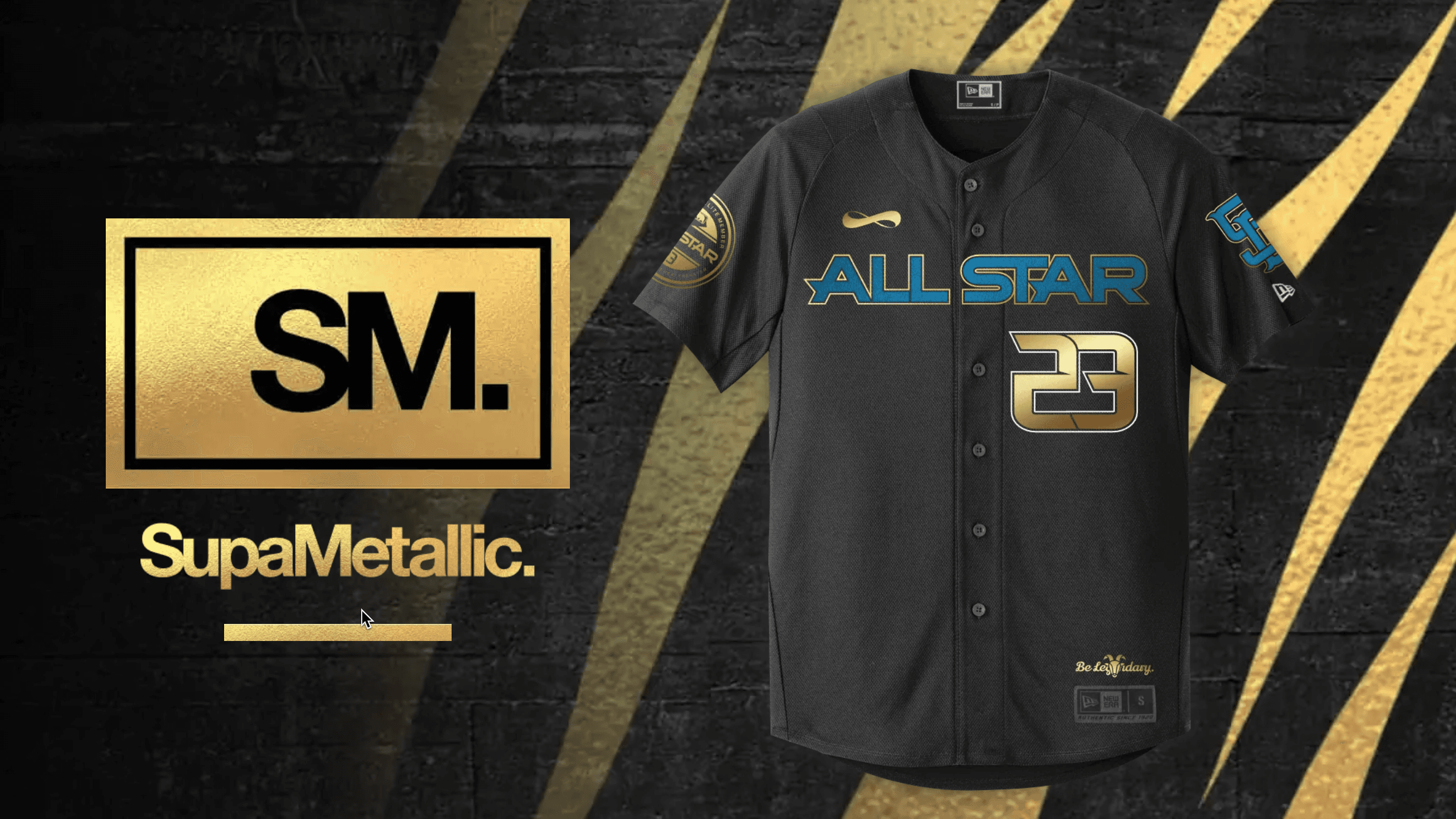
Extra Special. At no extra Cost.
Until now, the only way to add a metallic finish was by mixing metallic inks when screen-printing. We've made it as easy as adding a spot colour.
You can add this finish to any of our transfers, except the SupaDTF.
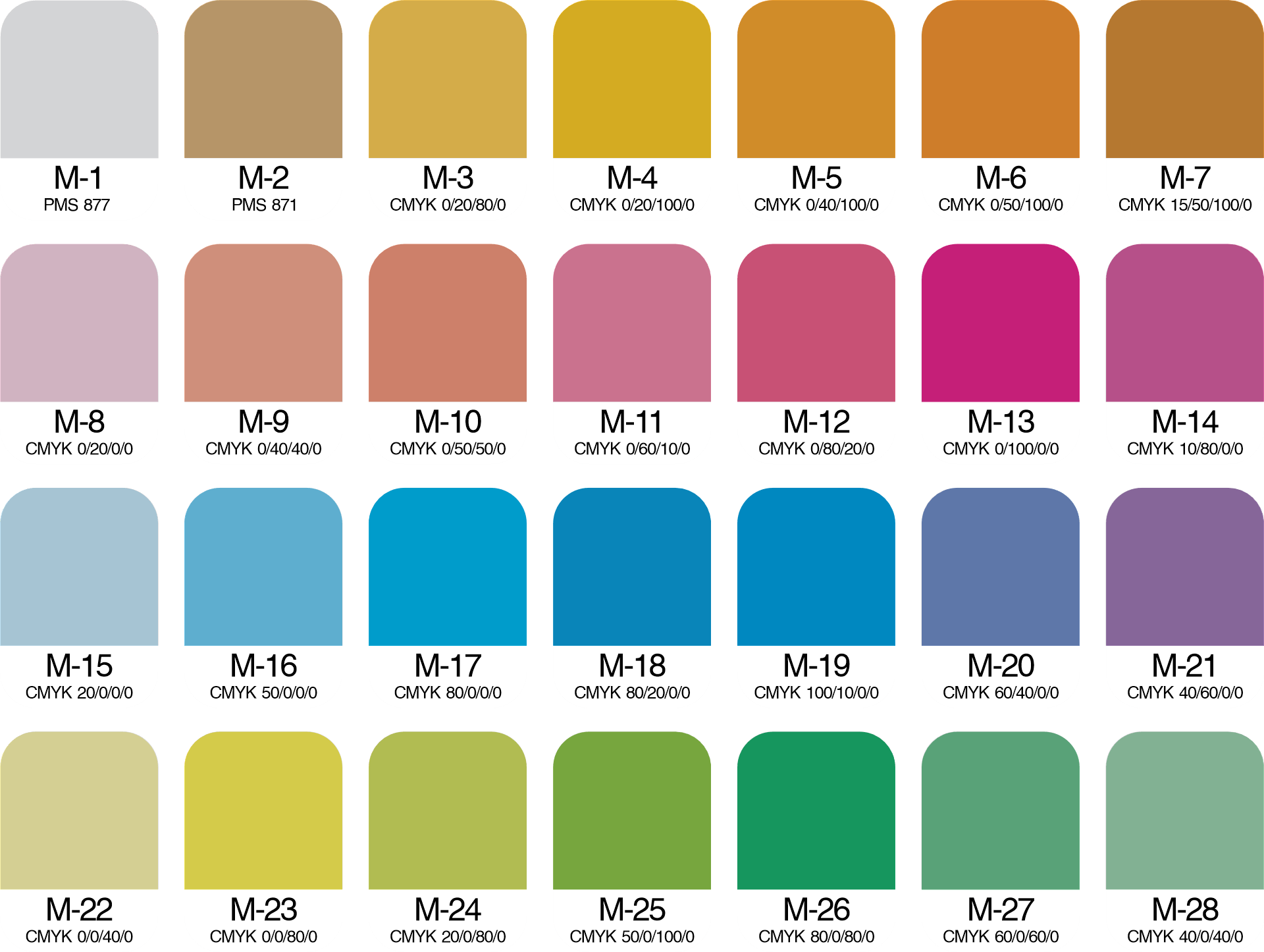
Choose from these 28 options. Highlight part of a logo or text. Add a little flair to your strokes. Or create a design entirely out of matte metallics. It's up to you.
Just specify the swatch code in the colors box before you add to cart.
Learn How
Making your artfile so we know where you want your metallic effects needs Adobe Illustrator. Download the files below, and have a read through the Guide.
Download the Swatch File
You will need this file, to add into your swatches in Illustrator.
Order Sample Pack
Get your hands on some samples — there is nothing like seeing it in person.
Need Help?
Still not sure if your art is print-ready? Flick us an email and we'd be happy to check it for you.